
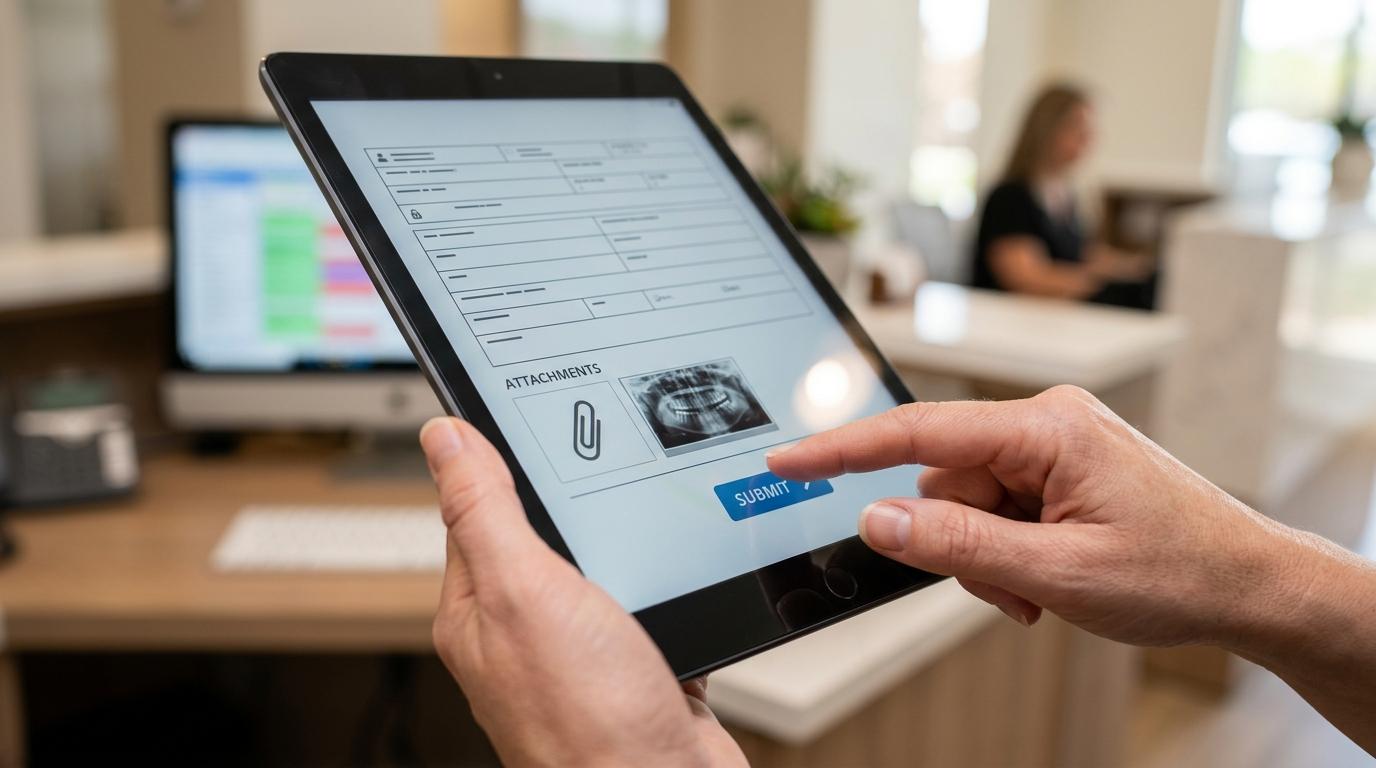
Choosing software for dental billing is rarely just about claims submission. It affects how quickly insurance pays, how clearly patient balances are presented, how much rework the front office handles, and how visible your accounts receivable really are.
The best dental billing software for one practice may be the wrong fit for another. A solo office with a small team may want a clean cloud system with easy training and strong patient payment tools. A multi-location group may care more about enterprise reporting, user permissions, and centralized insurance workflows. That is why feature review matters just as much as brand recognition.
What the best dental billing software should improve in daily operations
A strong billing platform should reduce friction across the full revenue cycle. That means fewer rejected claims, faster payment posting, cleaner patient ledgers, and better visibility into outstanding balances. If a system saves time in scheduling but creates more work in claim follow-up, it is not really solving the billing problem.
The most useful platforms bring billing, insurance, and patient financial workflows into one place. When clinical data, schedules, claims, statements, and payments live in separate systems, staff lose time moving between screens and correcting data mismatches. That often leads to posting delays, missed attachments, and aging A/R that should have been worked much earlier.
After reviewing options, most practices should expect these baseline capabilities:
- Electronic claims management: submission, scrubbing, tracking, and status updates
- Insurance eligibility tools: verification support before treatment or before claim submission
- Patient billing workflows: statements, payment plans, online bill pay, and balance reminders
- Payment posting automation: ERA support, autoposting, and refund tracking
- Accounts receivable reporting: aging by payer, provider, and patient balance category
- Security controls: HIPAA-ready access controls, audit logs, backups, and encryption
If a vendor cannot clearly explain how it handles denials, attachments, autoposting, and A/R follow-up visibility, the software may be better at scheduling than billing.
Key features to look for in dental billing software
Claims tools deserve the closest review because that is where revenue is won or delayed. The software should scrub claims before submission, flag missing subscriber data, support electronic attachments, and show claim status without forcing staff to jump into multiple portals. Good claim tracking helps teams act before a 30-day claim becomes a 90-day problem.
Patient financial tools matter just as much now. More practices are collecting a larger share of revenue from patients, which means statements, text-to-pay, online payment portals, and flexible payment plans are no longer optional features. A system that makes it easier for patients to pay often improves collections without adding call volume to the front desk.
Reporting is another dividing line between average and strong platforms. Many products claim to have dashboards, but practices need reports that are actually useful in a billing meeting. Can you quickly see insurance aging by carrier? Can you track write-offs, claim lag, collection percentage, and unresolved denials? Can managers compare performance by location or provider?
A practical evaluation checklist should include the following:
- Clear ledger view
- Real-time claim status
- ERA and autoposting
- Custom fee schedules
- Batch statement processing
- Text and email payment reminders
- Role-based user permissions
- Mobile or tablet access
Integration should also be part of the billing review, not treated as a separate IT topic. If your software does not connect well with charting, imaging, clearinghouses, and payment processors, staff will end up filling the gaps manually. That adds hidden labor cost and increases the chance of errors.
Here are the integration and support questions that usually expose weak systems:
- Practice management integration: Does billing pull patient, procedure, and insurance data automatically?
- Imaging and attachments: Can staff attach X-rays and supporting files without extra steps?
- Clearinghouse connectivity: Is electronic claim routing native, or dependent on separate tools and fees?
- Training quality: Are onboarding, webinars, and live support included or sold separately?
- Pricing transparency: Are there setup, migration, per-claim, statement, or processing fees beyond the monthly subscription?
Best dental billing software vendor comparison for dental practices
Several well-known vendors serve the dental market, but they approach billing from different angles. Some are full practice management systems with billing built in. Others focus more heavily on revenue cycle features, cloud access, and payment collection tools. The right fit depends on your workflow, team size, and tolerance for training complexity.
The table below summarizes common strengths and tradeoffs among leading options. Ratings and pricing structures can change, so practices should confirm current terms directly with each vendor before making a decision.
| Vendor | Best Fit | Billing Strengths | Potential Drawbacks | Pricing Approach |
|---|---|---|---|---|
| Dentrix | Established practices, larger offices, DSOs | Strong insurance workflows, broad feature depth, integrated ecosystem | Can feel complex, quote-based pricing, training curve for staff | Quote-based, typically license and support structure |
| Eaglesoft | Practices comfortable with desktop systems | Solid billing and claims, familiar workflows, long market presence | Windows-heavy environment, less modern feel than newer cloud tools | License plus support |
| CareStack | Growth-focused and multi-location practices | Cloud-based, strong claims and A/R tools, patient payments, centralized reporting | Quote-based pricing, may offer more system than a small office needs | Subscription, custom quote |
| Open Dental | Cost-conscious practices wanting customization | Flexible setup, strong billing core, large user community, no common per-claim model | Interface can feel dated, more technical setup responsibility | License plus optional support |
| Curve Dental | Practices prioritizing cloud access and patient collections | User-friendly design, online payments, patient communication tools, modern dashboard | Less customizable than some legacy systems, pricing not public | Subscription, quote-based |
| iDentalSoft | Small to midsize practices seeking cloud simplicity | E-claims, patient billing, payment tools, clean interface | Smaller footprint than legacy brands, verify depth of advanced reporting | Subscription, quote-based |
| DentiMax | Practices wanting lower-cost desktop value | Strong ledger and billing tools, dental and medical billing support, straightforward workflows | Desktop-oriented feel, may not suit offices wanting fully native cloud access | License plus maintenance |
A few patterns stand out when comparing these systems.
Legacy platforms like Dentrix and Eaglesoft still appeal to practices that want mature, full-featured environments and are willing to manage more training complexity. These systems can work well for offices with established processes and experienced teams, but newer staff may need more onboarding time.
Cloud platforms like CareStack, Curve Dental, and iDentalSoft are attractive because they reduce server dependence and usually offer a cleaner user experience. They also tend to support remote access, automatic updates, and patient-facing payment tools more naturally. That said, practices should still verify how deep their reporting, customization, and multi-location controls really go.
Open Dental and DentiMax often come up when practices want strong billing capability without paying premium enterprise rates. They can be a smart fit when the office values flexibility and operational control, though the tradeoff may be a less polished interface or more hands-on setup.
How to compare dental billing software beyond the demo
Vendor demos are designed to look smooth. Real performance shows up in day-to-day billing work, especially when something goes wrong. A better comparison process starts with your own numbers: current days in A/R, claim rejection rate, denial volume, patient collections, and how long it takes to post payments and work aging balances.
Bring real scenarios into every software review. Ask the vendor to show a missing attachment workflow, a corrected claim, a secondary insurance claim, an ERA autopost, and a patient payment plan setup. If the demo only shows ideal cases, you are not seeing how the system performs under normal billing pressure.
A simple buying process can keep the review grounded:
- Define your biggest revenue bottlenecks.
- Score each system against those exact problems.
- Ask for a sample implementation plan and training timeline.
- Review every fee tied to claims, statements, payments, support, and migration.
This step matters because pricing often looks simpler than it really is. One platform may have a lower monthly subscription but higher clearinghouse costs or statement fees. Another may include support but charge for data migration or premium training. The total cost of ownership is what matters, not the first number in the proposal.
Best dental billing software by practice type
A small office usually needs speed, clarity, and low training burden. Clean claims submission, easy payment posting, online bill pay, and simple reporting often matter more than advanced enterprise tools. Cloud systems are often appealing here because they reduce maintenance demands and can be easier to roll out with limited internal IT support.
A midsize practice often reaches a point where reporting and control become more important. Multi-provider production, insurance follow-up accountability, fee schedule management, and patient collections tracking start to carry more weight. This is also where software usability has a direct labor impact. If staff are clicking through too many screens to resolve a claim, the system is costing money even if the subscription looks affordable.
Larger groups and DSOs usually need centralized visibility across locations, stronger permission controls, and consistent billing workflows. In those settings, leadership should pay close attention to multi-location reporting, standardized claim queues, automation rules, and how well the software supports shared billing teams.
When dental billing software alone is not enough
Even strong software will not fix weak billing habits by itself. A practice can buy a well-rated system and still struggle with delayed claims, old insurance aging, and patient balance growth if no one is actively working the queues. Software creates structure. Results still depend on process, accountability, and follow-up.
That is why many practices pair software with specialized billing support. A billing partner can help handle claim submission, denial follow-up, payment posting, insurance aging, and accounts receivable cleanup while the practice keeps clinical focus on patient care. This can be especially useful after a software change, during staffing shortages, or when collections have stalled despite having a solid platform in place.
Before you sign a software agreement, ask one more question: who will own billing performance once the system goes live? If the answer is vague, the software choice is only half finished.